When office printers, copiers, and multifunction devices reach their end-of-life, the question of where to take old printers becomes a critical business decision, not just a logistical task. For organizations, proper disposal is governed by data security regulations, environmental compliance, and internal asset management policies.
Unlike residential drop-offs, commercial printer disposal requires a secure, auditable process that guarantees data destruction and properly transfers liability. Storing obsolete IT assets consumes valuable facility space, while improper disposal can lead to costly data breaches and regulatory penalties under laws like HIPAA or FACTA. This guide provides a direct, actionable roundup of the most reliable and compliant options for businesses seeking to responsibly manage their retired printer fleet and other IT equipment.
We will explore dedicated IT Asset Disposition (ITAD) providers like Beyond Surplus, manufacturer take-back programs, and specialized commercial recycling services designed to meet enterprise needs. Each option listed includes key details to help your business find the right solution, ensuring your company remains secure, compliant, and efficient.
1. Beyond Surplus: Certified ITAD and Nationwide Pickup for Businesses
For businesses, particularly those in regulated industries like healthcare, finance, or government, disposing of old printers is far more than a simple recycling task. It's a matter of data security, environmental compliance, and operational liability. Beyond Surplus stands out as a premier choice for organizations needing a comprehensive, documented, and secure solution for their end-of-life IT assets, including fleets of printers, copiers, and multifunction devices.
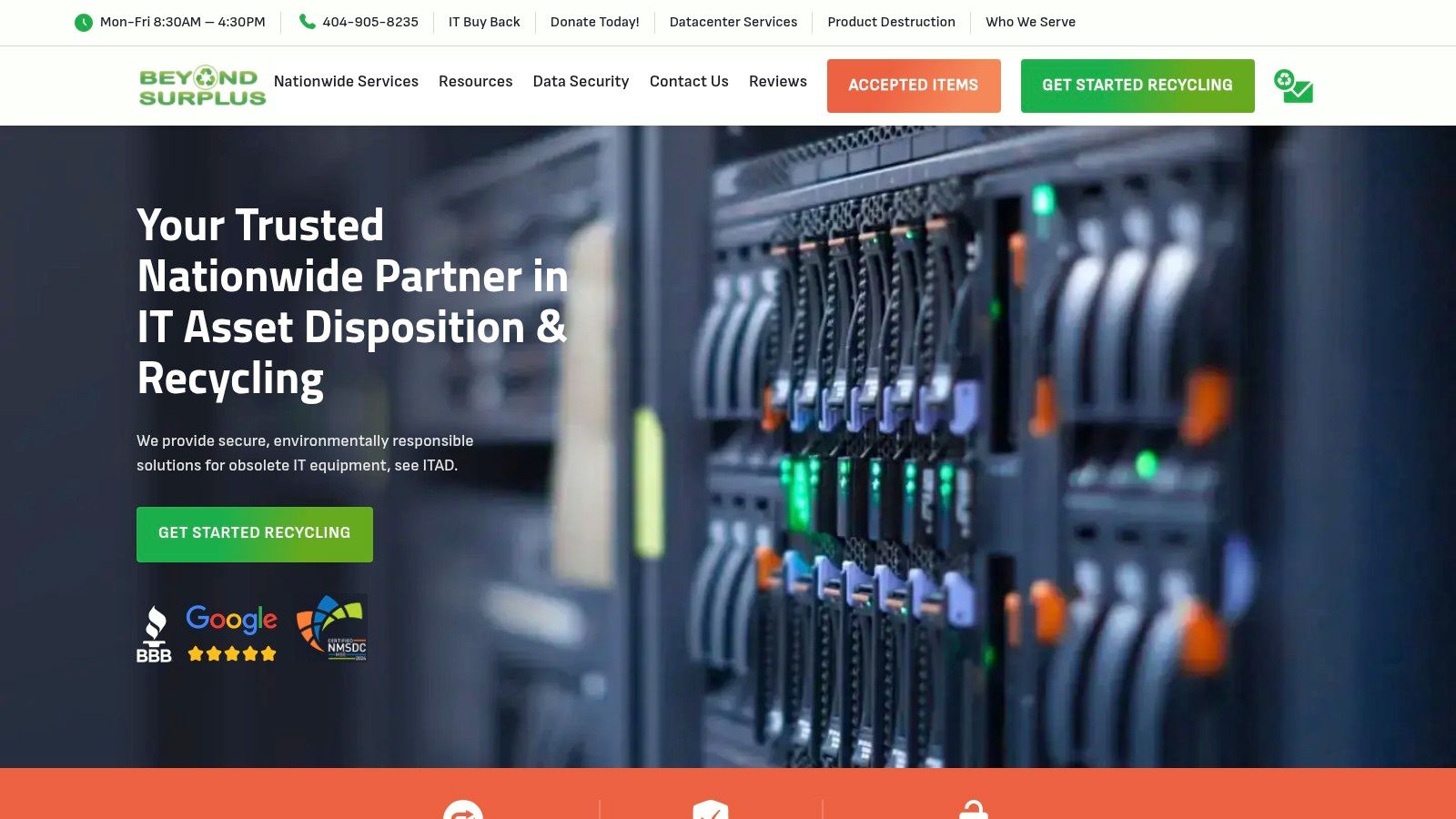
Unlike standard e-waste recyclers or retail drop-off programs, Beyond Surplus operates as a full-service IT Asset Disposition (ITAD) partner. This approach transforms printer disposal from a logistical headache into a managed, auditable process. For IT teams and facility managers, this means a single point of contact for everything from initial consultation and de-installation to secure transportation and final disposition, complete with all necessary compliance paperwork.
Key Features and Service Highlights
- Certified Data Destruction: Modern office printers often store sensitive data on internal hard drives. Beyond Surplus addresses this critical risk with on-site or off-site hard drive shredding and NIST-level data wiping. They issue a Certificate of Data Destruction, a crucial document that transfers liability and helps your organization meet its obligations under frameworks like the FTC Disposal Rule.
- Nationwide Logistics for Businesses: Beyond Surplus provides scheduled pickups across the contiguous U.S. using its own fleet and trusted logistics partners. This service is ideal for multi-location enterprises, data center decommissioning projects, and large-scale office cleanouts. Their team can handle palletization and removal, minimizing the burden on your staff.
- Value Recovery and Buyback Program: Not all old equipment is without value. For newer or high-demand enterprise-grade printers and IT hardware, their IT buyback program can provide a financial return, turning a disposal cost into a revenue stream.
- Comprehensive Compliance Documentation: Beyond Surplus provides a full chain-of-custody record and a Certificate of Recycling, confirming that your assets were handled in an environmentally responsible manner. Integrating this level of certified disposal is a cornerstone of effective IT Asset Management strategies, ensuring that every asset is accounted for from acquisition to end-of-life.
Who Is It Best For?
This service is engineered for commercial and institutional clients. It is an ideal solution for:
- IT Departments managing large-scale technology refreshes.
- Data Centers decommissioning server racks and related peripherals.
- Healthcare and Financial Institutions with strict data privacy mandates (HIPAA, GLBA).
- Schools and Government Agencies requiring auditable disposal records.
How to Get Started
To use Beyond Surplus, businesses must request a quote through their website. The process typically involves providing an inventory of the equipment, including makes, models, and quantities. Pricing is customized based on the volume, type of equipment, location, and required services (like on-site data destruction). The value is in the risk mitigation, compliance assurance, and end-to-end service they provide. You can find more specific details on their printer and copier recycling services to see if their offerings align with your needs.
Website: https://technostolic.com
2. Best Buy Electronics Recycling Program
For organizations needing a convenient, widespread, and accessible option for individual or small-batch printer disposal, Best Buy's Electronics Recycling Program is a well-known choice. With thousands of retail stores across the country, it provides a highly convenient drop-off network that simplifies the logistics of where to take old printers without needing to schedule a specialized pickup.
This program is primarily effective for small businesses or corporate satellite offices that generate a limited amount of e-waste. It allows for the easy disposal of miscellaneous office electronics alongside printers, streamlining the recycling process for multiple device types at once. However, it is fundamentally a residential-focused program and lacks the security and documentation required for most business applications.
Key Features and Process
Best Buy’s program is built on simplicity. You can typically walk into any store and drop off your old printer at the customer service desk.
- In-Store Drop-Off: The core of the program allows you to bring up to three electronic items per household, per day, to any Best Buy store for recycling. This includes most printers, making it a reliable, no-appointment-needed solution for very small quantities.
- Recycle-by-Mail: For those not near a physical store, Best Buy offers a prepaid "Recycle-by-Mail" box service. You purchase a box online, fill it with approved electronics including smaller printers, and ship it via a prepaid label.
- Haul-Away Service: When purchasing a new large appliance or TV from Best Buy, you can often add a haul-away service for your old unit for a fee. While primarily for appliances, this service sometimes extends to other large electronics depending on the delivery specifics.
Expert Tip: Before considering this option for business assets, recognize its limitations. The program does not offer Certificates of Data Destruction or any auditable chain-of-custody documentation, making it unsuitable for disposing of devices that ever handled sensitive corporate information.
Pros and Cons for Business Use
While extremely convenient, the program is designed with residential consumers in mind. Businesses must consider its limitations.
| Pros | Cons |
|---|---|
| Exceptional Accessibility: Thousands of U.S. locations make drop-off incredibly easy. | Daily Limits: The three-item-per-day limit is impractical for bulk disposals. |
| Broad Acceptance: Accepts a wide range of electronics beyond just printers. | Not for Bulk/Enterprise: Not designed for large-scale ITAD or data center cleanouts. |
| Simple Process: No complex scheduling or inventory lists required for drop-off. | No Data Security Assurance: No certified data destruction or CoDs are provided. |
This program excels for ad-hoc, low-volume needs but falls short for businesses requiring documented, secure, and large-scale IT asset disposition.
Website: https://www.bestbuy.com/site/services/recycling/
3. Staples Electronics Recycling
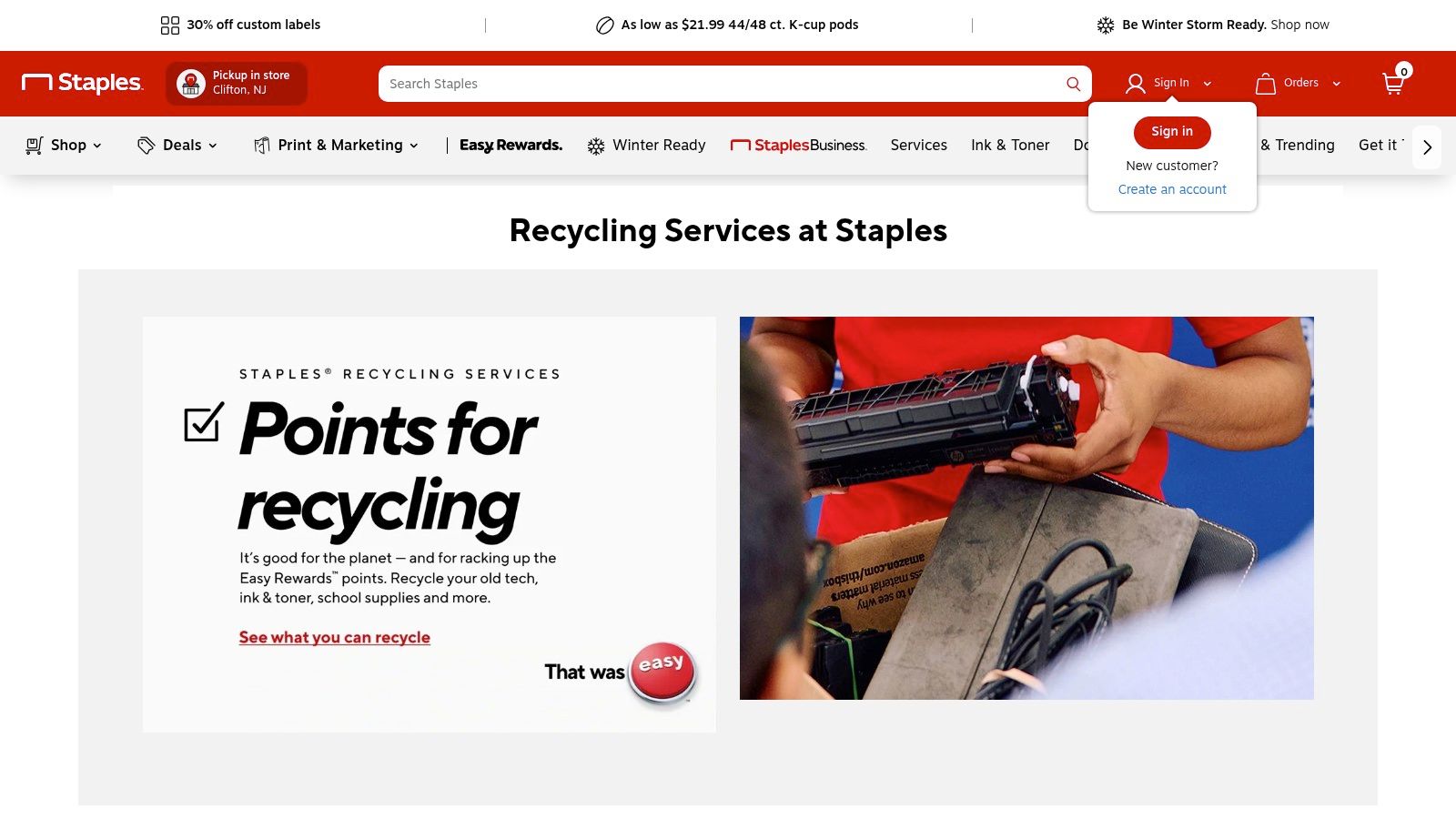
For small businesses looking for a straightforward, no-cost, and widely available recycling solution, Staples Electronics Recycling offers a compelling option. Much like its retail competitors, Staples leverages its extensive network of stores to provide a convenient drop-off point for a variety of electronics, making it a simple answer to the question of where to take old printers without hassle.
The program's key advantage is its simplicity and generous daily limits, positioning it as a go-to for clearing out small business storage closets. By accepting items regardless of where they were purchased, Staples removes a common barrier to responsible e-waste disposal and makes the process accessible.
Key Features and Process
Staples has designed its recycling service to be as simple as a regular shopping trip. You can bring your old printers and other accepted electronics directly to the customer service desk for processing, with no purchase necessary.
- Free In-Store Recycling: The program is entirely free for accepted items. This includes desktop printers, scanners, multifunction devices, and other office technology.
- Generous Daily Limit: Customers can bring up to seven items per day for recycling. This is a more generous limit than many other retail programs, which is useful for clearing out multiple old devices at once.
- Broad Acceptance: Staples accepts most office technology, including printers, computers, and peripherals, regardless of the brand or original place of purchase. However, they explicitly do not accept large floor-model printers or TVs.
- Data Security: Staples states that all data on recycled devices is handled by vetted, certified recyclers, providing a layer of security. However, it does not provide the formal documentation businesses need. Understanding the specifics of what happens to recycled electronics can offer additional peace of mind.
Expert Tip: For business purposes, this program is best suited for non-data-bearing peripherals. If a printer has an internal hard drive or memory that stored confidential scans, copies, or print jobs, a retail drop-off program without certified data destruction is a significant security risk.
Pros and Cons for Business Use
The program is a strong contender for small-scale business needs but is not equipped for enterprise-level IT asset disposition.
| Pros | Cons |
|---|---|
| Simple and Free: No fees for accepted items makes it highly cost-effective. | Excludes Large Equipment: Does not accept floor-standing copiers/printers common in large offices. |
| Higher Daily Limits: The seven-item limit is ideal for small office cleanouts. | No Certified Data Destruction: Lacks formal Certificates of Data Destruction (CoDs) for compliance. |
| Widespread Locations: Numerous stores make drop-off convenient. | Not a B2B Service: Lacks the logistical support and documentation required for corporate ITAD. |
Staples provides an outstanding free service for low-volume, non-sensitive printer disposal but lacks the documentation and scale required for corporate ITAD.
Website: https://www.staples.com/sbd/cre/noheader/sustainability-center/recycling-services/electronics
4. Office Depot/OfficeMax Tech Recycling (Recycling Box Program)
For businesses seeking a straightforward, mail-back solution that includes certified recycling and data destruction documentation, the Office Depot/OfficeMax Tech Recycling Box Program offers a compelling choice. This service is ideal for those who prioritize compliance and record-keeping but may not have the volume to justify a full-scale ITAD provider pickup.
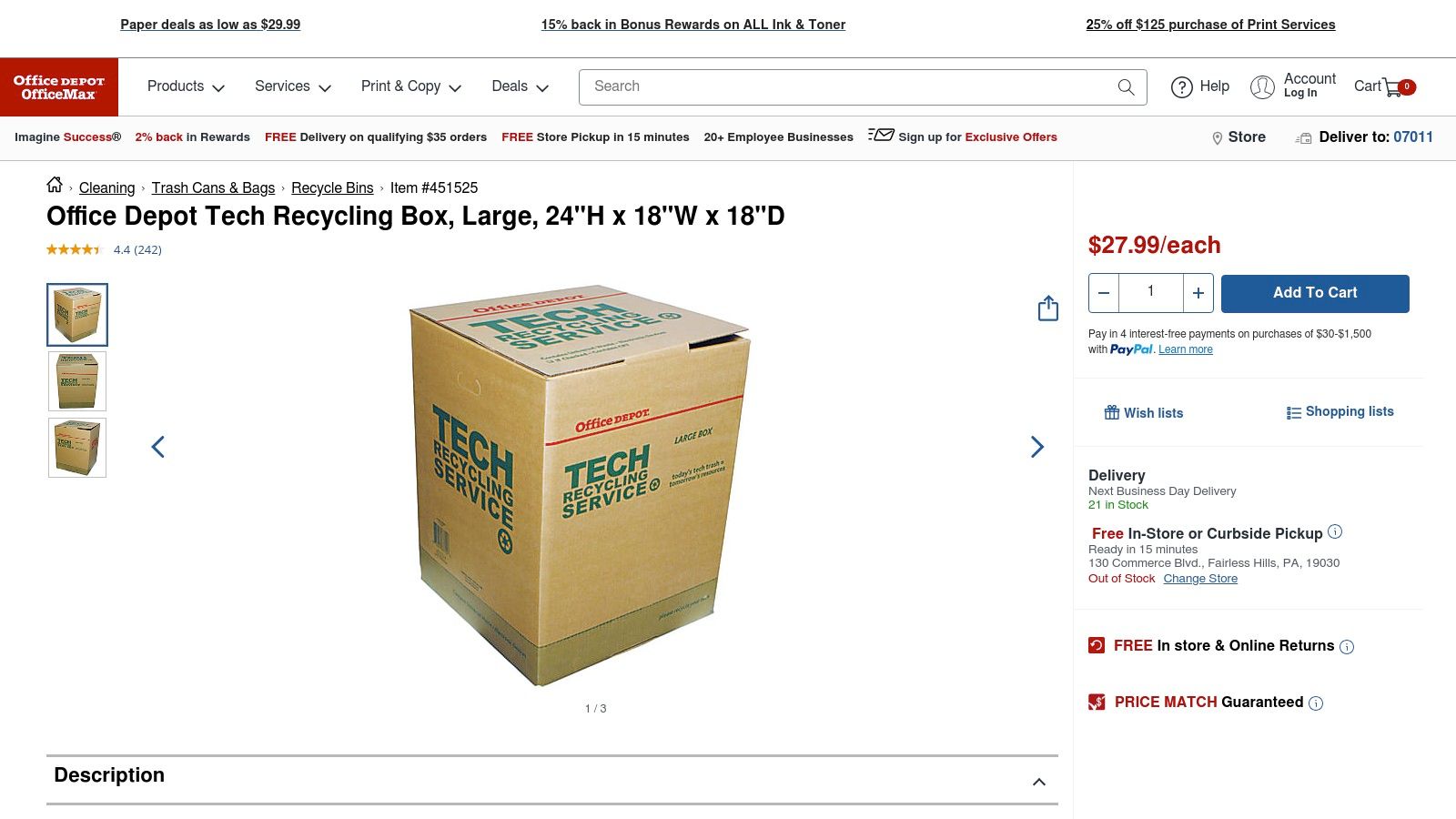
This program stands out by bundling the cost of shipping, processing, and certification into the one-time purchase of a box. It provides a predictable, fixed-cost method for disposing of old printers and other small electronics, making it easy to budget for e-waste management without hidden fees. The inclusion of an e-Stewards certified recycler ensures that the disposal process meets high environmental and data security standards, a crucial factor for many organizations.
Key Features and Process
The program is designed around a simple, prepaid box system that streamlines the entire recycling journey from your office to the processing facility.
- Prepaid Recycling Boxes: Customers purchase a box (available in small, medium, or large sizes) either online or in-store. The purchase price covers the box itself, round-trip ground shipping, and all recycling and data destruction services. The large box, for instance, holds up to 60 lbs of equipment.
- Certified Processing: All items are processed by an e-Stewards certified recycler. This certification guarantees responsible handling of hazardous materials and secure data management, which is a significant factor in understanding the importance of electronics recycling.
- Certificate of Destruction and Recycling: After your box is received and processed, you are issued a formal certificate. This document serves as proof of proper disposal and data destruction, which is invaluable for internal audits, compliance records, and corporate responsibility reporting.
Expert Tip: Before purchasing a box, create an inventory of the items you plan to recycle. Check the list of accepted and prohibited items on the Office Depot website to ensure your specific printer model and other electronics qualify. This prevents you from buying a box you can't use for your intended equipment.
Pros and Cons for Business Use
This model is excellent for small-scale, compliance-focused disposal but may not be cost-effective for larger quantities of equipment.
| Pros | Cons |
|---|---|
| Provides Official Documentation: The Certificate of Data Destruction is ideal for compliance. | Cost-Per-Item Can Be High: The box fee makes it less economical for bulk printer disposal. |
| e-Stewards Certified: Guarantees a high standard of responsible, secure recycling. | Weight and Size Limits: Limited by the physical dimensions and weight capacity of the boxes. |
| Predictable, All-Inclusive Cost: No surprise fees for shipping or processing. | Item Exclusions Apply: Not all electronics are accepted; you must verify your items first. |
This service is a perfect fit for businesses needing a documented, secure, and simple solution for disposing of a few printers and mixed small electronics at a time.
Website: https://www.officedepot.com/a/products/451525/Tech-Recycling-Box-Large-24H-x/
5. Earth911 Recycling Search
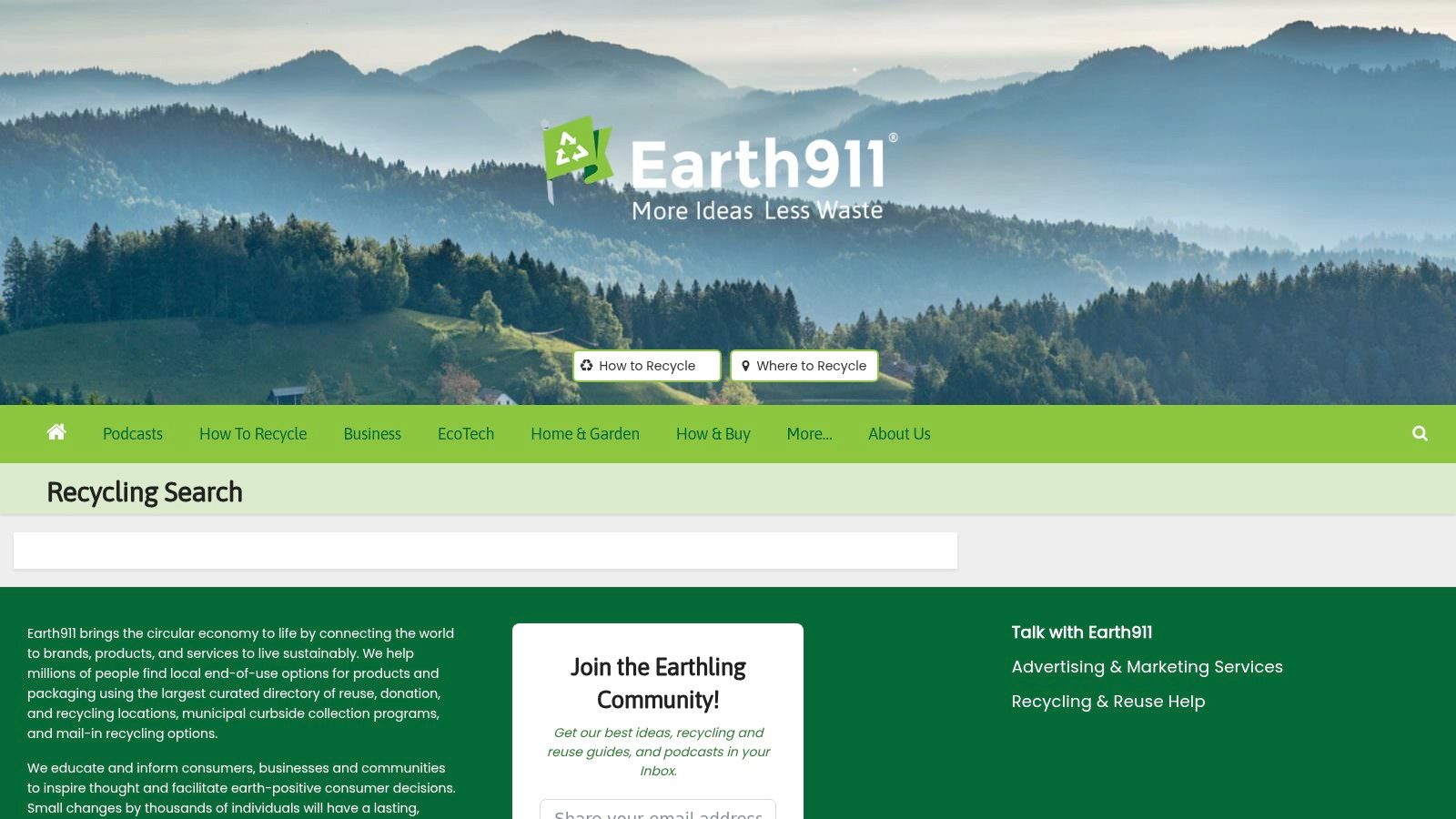
For anyone trying to figure out where to take old printers, especially when local options aren't obvious, Earth911 acts as a comprehensive digital directory. Instead of being a direct recycler, it is a powerful search engine that aggregates thousands of recycling locations across North America, connecting users with the most convenient and appropriate local solutions for their e-waste.
This platform is invaluable for small businesses that lack a dedicated ITAD partner. It demystifies the recycling process by providing a one-stop search tool that consolidates information from municipal programs, retail drop-offs (like Best Buy and Staples), and private-sector recyclers, saving significant time and effort in finding a responsible disposal site.
Key Features and Process
Earth911's strength lies in its user-friendly interface and extensive database. The process is straightforward: enter the item you want to recycle and your ZIP code to generate a map and list of nearby options.
- Material-Specific Search: The search function allows you to specify "printers" or broader categories like "electronics" to find facilities equipped to handle your specific type of e-waste.
- Aggregated Local Listings: The platform pulls data from a wide range of sources, including city-run waste centers, non-profit organizations, and commercial recycling companies, giving you a comprehensive view of local disposal choices.
- Informational Guides: Beyond its search tool, Earth911 provides articles and guides on recycling best practices, helping users understand the importance of proper e-waste disposal and how to prepare items like printers for recycling.
Expert Tip: For business use, Earth911 is a starting point for research, not a final solution. The directory does not vet the security practices or certifications of the listed recyclers. A business must conduct its own due diligence to ensure a chosen vendor meets its compliance needs.
Pros and Cons for Business Use
While an excellent starting point, businesses must recognize that Earth911 is a locator, not a service provider, and lacks features for enterprise-level needs.
| Pros | Cons |
|---|---|
| Comprehensive Local Options: Quickly identifies multiple nearby drop-off sites. | Inconsistent Data: Details on fees, limits, and accepted models can be outdated or missing. |
| Excellent for Small Scale: Perfect for small businesses or one-off disposals. | No Vetting or Certification: Does not guarantee listed recyclers are certified (e.g., R2, e-Stewards). |
| Free and Accessible: The search tool is completely free and easy to use. | Lacks Enterprise Services: No coordination for pickups, data destruction, or asset tracking. |
Earth911 is the best first step for finding local options, but businesses with compliance needs must perform their own due diligence on the recyclers it suggests.
Website: https://earth911.com/recycling-search/
6. HP Planet Partners – Hardware Recycling (U.S.)
For organizations deeply invested in the HP ecosystem, the HP Planet Partners program offers a streamlined, manufacturer-backed solution for where to take old printers. This enterprise-focused initiative is designed to handle the recycling and asset disposition of HP-branded equipment, providing a direct and reliable channel for businesses seeking compliant disposal with clear chain-of-custody options.
It stands out as a top-tier OEM take-back program, moving beyond simple drop-offs to offer structured logistics, formal documentation, and services tailored to corporate IT asset management cycles. This makes it an ideal choice for multi-site organizations that need a consistent recycling process across different locations.
Key Features and Process
The HP Planet Partners program is structured to meet business requirements for security and environmental compliance, offering several pathways for asset retirement.
- Business Recycling Services: The program provides comprehensive logistics options for corporate clients, including potential on-site pickups for larger quantities of equipment. This service is designed to manage bulk disposals efficiently.
- Compliance Documentation: Unlike retail drop-off programs, HP offers formal documentation, such as Certificates of Destruction (CoDs). This is crucial for businesses in regulated industries like healthcare or finance that must prove secure data sanitization and compliant disposal.
- Trade-In and Upgrade Options: Businesses can often trade in old HP devices for credit toward new purchases. The program may also accept non-HP equipment when it is being replaced with equivalent new HP gear, simplifying fleet upgrades.
- Global Network: As part of a worldwide initiative, HP provides a consistent standard of service, which is beneficial for multinational corporations managing IT assets across different countries.
Expert Tip: To initiate a business hardware recycling request, you typically need to fill out a form on the HP website with details about your equipment (models, quantities, location). Be prepared to package the assets and perform data wiping yourself, as these are often prerequisites for pickup.
Pros and Cons for Business Use
The program's direct-from-manufacturer approach provides significant advantages for HP-centric organizations but comes with specific terms and conditions.
| Pros | Cons |
|---|---|
| Enterprise-Grade Service: Offers formal paperwork, pickups, and secure chain-of-custody options. | Customer Responsibility: Requires customers to package assets and wipe data before processing. |
| Ideal for HP Fleets: Streamlines the disposal process for companies standardized on HP equipment. | Primarily HP-Focused: Non-HP gear is typically only accepted under specific replacement scenarios. |
| Large Operational Footprint: Provides consistent service for organizations with multiple sites. | Less Flexible for Mixed IT: Not ideal for disposing of a diverse range of non-HP brands. |
This program is a powerful tool for businesses needing documented, secure, and manufacturer-verified recycling for their HP printer fleets, though it places more responsibility on the customer for pre-pickup preparation.
Website: https://www.hp.com/us-en/sustainable-impact/planet-product-recycling/hardware-recycling.html
7. e‑Stewards ‘Find a Recycler’ (Certified Electronics Recyclers Directory)
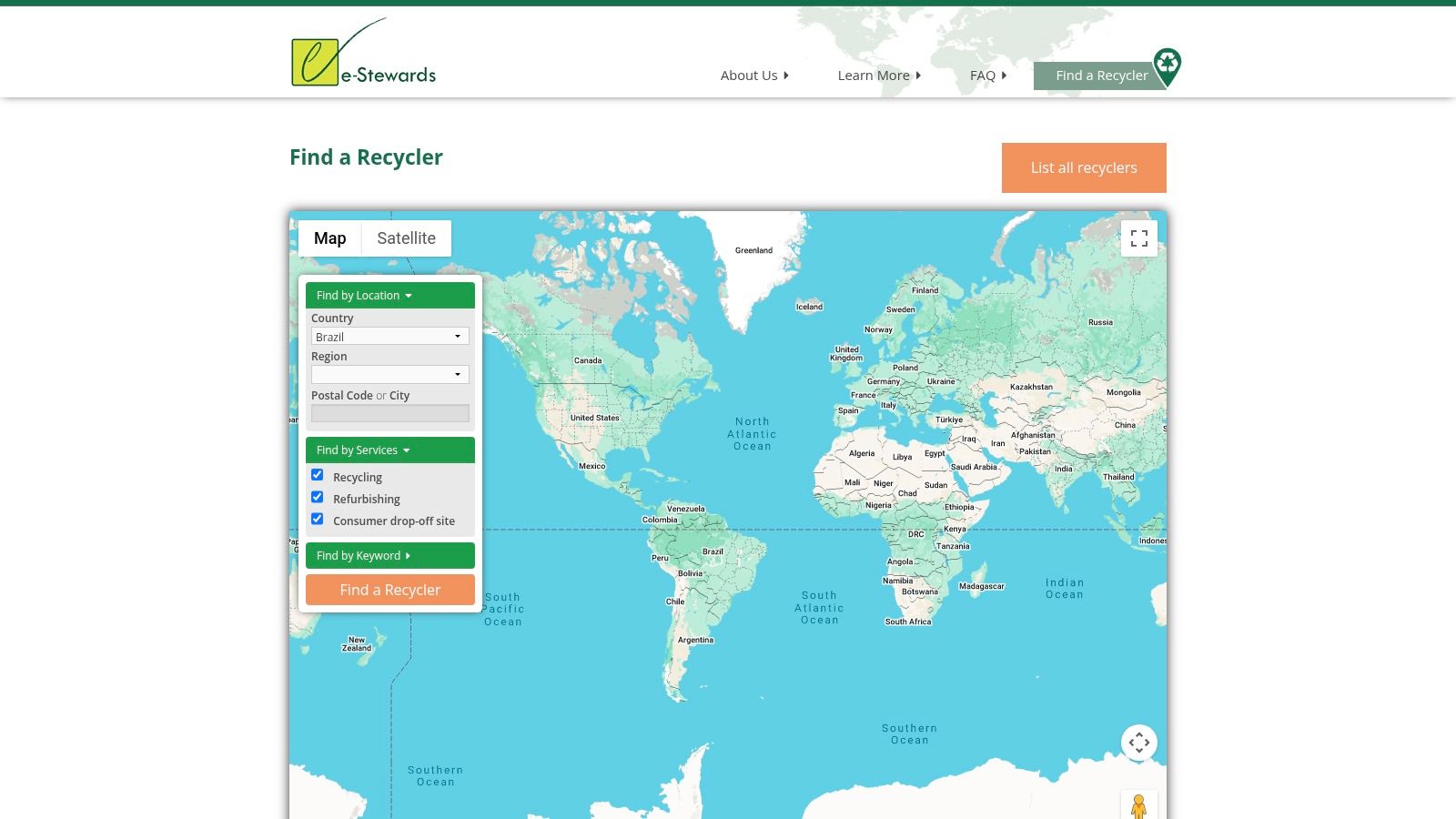
For organizations in regulated industries or those prioritizing the highest level of compliance and ethical disposal, the e‑Stewards ‘Find a Recycler’ directory is an indispensable tool. It connects businesses with independently audited and certified electronics recyclers, ensuring that old printers and other IT assets are handled according to the strictest environmental, worker safety, and data security standards. This is the gold standard for finding a recycler where accountability is paramount.
The platform is particularly crucial for healthcare, finance, and government entities that must prove a secure and compliant chain of custody for their retired assets. Unlike general directories, every listed facility has undergone a rigorous vetting process, providing peace of mind that your equipment will not be illegally exported or improperly disposed of, making it a definitive resource for where to take old printers securely.
Key Features and Process
The e‑Stewards directory functions as a specialized search engine to locate vetted ITAD providers. Its primary goal is to provide assurance, not just convenience.
- Certified Recycler Search: Users can search the database by location, company name, or service type to find a certified facility nearby. This allows businesses to easily identify local partners that meet global standards.
- Emphasis on High Standards: The core value is the certification itself. It guarantees that the recycler adheres to a no-export policy for hazardous e-waste, protects worker health, and ensures data privacy.
- Direct Connection: The platform provides contact information for each certified recycler. Businesses must reach out directly to the vendors to confirm printer acceptance, schedule services, and discuss pricing.
Expert Tip: When contacting a recycler from the e-Stewards directory, specifically request a Certificate of Destruction (CoD) for any printers with internal hard drives or memory. This documentation is vital for audit trails and proves you have fulfilled your data security obligations. Learn more about the importance of secure data destruction services for business compliance.
Pros and Cons for Business Use
This resource is designed for formal IT asset disposition (ITAD) programs, not for casual, residential drop-offs.
| Pros | Cons |
|---|---|
| Highest Assurance: Provides access to the most rigorously vetted recyclers in the industry. | Fewer Locations: The stringent certification means fewer listed facilities compared to non-certified options. |
| Compliance Focused: Ideal for meeting regulatory requirements like HIPAA, FACTA, and GDPR. | Requires Direct Vetting: Businesses must contact providers to confirm services and costs. |
| Verifiable Chain of Custody: Ensures responsible downstream processing of all materials. | Not for Individuals/Consumers: Primarily designed for B2B transactions and bulk disposals. |
The e-Stewards directory is the top choice for businesses that cannot afford to take risks with their environmental reputation or data security when disposing of office electronics.
Website: https://certifiedelectronicsrecyclers.org/find-a-recycler
Where to Take Old Printers — 7-Option Comparison
| Service | 🔄 Implementation (complexity) | ⚡ Resource requirements / speed | ⭐ Expected outcomes | 📊 Ideal use cases | 💡 Key advantages |
|---|---|---|---|---|---|
| Beyond Surplus | Moderate–High — turnkey, scheduled pickups or on‑site services | Business-scale logistics; palletization recommended; fast scheduling reported | Certified data destruction, chain‑of‑custody, value recovery | Regulated orgs, data centers, healthcare/finance, large IT asset disposals | On/off‑site shredding, certificates, in‑house logistics, sustainability focus |
| Best Buy Electronics Recycling Program | Low — walk‑in drop‑off or mail‑back boxes | Many stores (convenient); residential limits; optional paid haul‑away | Basic recycling with occasional promotions; no formal compliance docs | Small offices or businesses with non-sensitive, low-volume disposals | Wide footprint, mail‑in option, trade‑in/promos |
| Staples Electronics Recycling | Low — simple in‑store drop‑off | Free acceptance for many items; daily customer limits | Broad acceptance for printers; minimal formal paperwork | Small offices with common, non-data bearing printers | Free, predictable limits, broad consumer coverage |
| Office Depot Tech Recycling Box | Low–Medium — purchase/pack/ship box | Customer buys box (prepaid shipping); pack and drop at store | Processed by e‑Stewards recycler; provides certificate of destruction/recycling | Mixed small e‑waste, businesses needing documentation | Predictable mail‑back model with compliance documentation |
| Earth911 Recycling Search | Very Low — online lookup and contact | ZIP‑based directory; user follows up with chosen sites | Identifies local options; outcomes depend on selected provider | Small businesses seeking nearby drop‑offs or comparison of options | Aggregates retailers, municipal and independent recyclers with guides |
| HP Planet Partners | Medium — OEM program with packaging/data prep rules | Enterprise pickup options; customers often must package/wipe | Certificates of destruction and formal chain‑of‑custody for HP gear | Multi‑site organizations, HP customers replacing equipment | OEM network, formal paperwork, scalable for enterprises |
| e‑Stewards ‘Find a Recycler’ | Low — search certified recyclers; then engage directly | May require contacting fewer, higher‑assurance facilities; potential higher cost | Audited downstream handling, strong data‑security and environmental standards | Regulated sectors and organizations needing verifiable compliance | High‑assurance certification, vetted recyclers for formal ITAD |
Making the Right Choice for Your Business's Printer Disposal Needs
Navigating the landscape of IT asset disposal can seem complex, but understanding your options is the first step toward responsible and secure electronics management. As we've explored, the answer to "where to take old printers" is not one-size-fits-all. Your decision hinges on critical business factors like device volume, data sensitivity, environmental compliance, and logistical capabilities.
Retail programs at stores like Best Buy and Staples offer a degree of convenience for a single, decommissioned office printer. However, these solutions are fundamentally designed for low-volume, consumer-grade needs and lack the robust security and documentation that businesses require to mitigate risk and demonstrate compliance. They place the burden of data wiping and logistics squarely on your team's shoulders.
Key Takeaways for Strategic Printer Disposal
For any organization managing more than a handful of devices, or for those in regulated industries like healthcare and finance, the calculus shifts dramatically. The potential for data breaches, environmental fines, and logistical inefficiencies makes a professional, certified approach essential.
- Security is Paramount: A printer's hard drive or internal memory can store images of sensitive documents. Simply dropping a device off at a retail location offers no guarantee of certified data destruction, leaving your organization exposed.
- Compliance Requires Proof: Adherence to regulations such as HIPAA or FACTA is not optional. A certified ITAD partner provides Certificates of Data Destruction and Recycling, creating an auditable paper trail that transfers liability away from your business.
- Logistics Matter: Managing the packing, transport, and inventory of dozens or hundreds of printers is a significant operational challenge. A dedicated ITAD provider handles these logistics, offering secure chain-of-custody and even on-site pickup services to streamline the entire process.
Your Actionable Next Steps
To move forward, evaluate your organization's specific scenario. Assess the number of printers you need to retire, the sensitivity of the data they may have processed, and your internal resources for managing the disposal project. While tools like Earth911 and the e-Stewards directory are excellent for identifying certified recyclers, the most effective strategy involves direct engagement with a dedicated ITAD partner.
Ultimately, choosing where to take old printers is a decision about risk management and operational efficiency. By prioritizing a certified, secure, and comprehensive solution, you transform a simple disposal task into a strategic component of your IT lifecycle management, protecting your data, your reputation, and the environment.
Ready to implement a secure and compliant printer disposal strategy for your business? Beyond Surplus provides certified ITAD services, including secure logistics, on-site data destruction, and detailed reporting to ensure your assets are managed responsibly. Contact Beyond Surplus today for a comprehensive solution to all your electronics recycling needs.